📱 Mobile AI Scribe
v2.2.2
September 15, 2026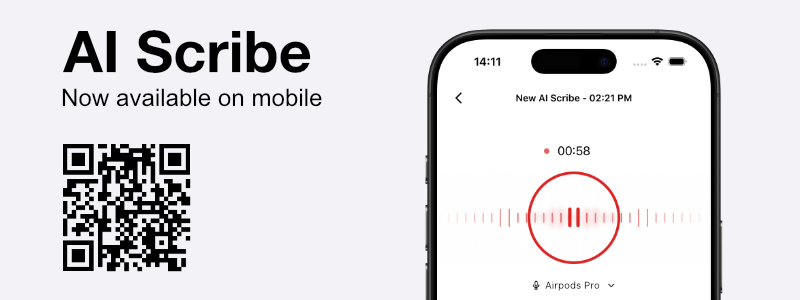
AI Scribe is now available on mobile. Use the Dilato web app in your mobile browser to create AI Scribe notes when on the go.
✨ New:
- A mobile-optimized web experience for creating AI Scribe notes.
AI Scribe is now available on mobile. Use the Dilato web app in your mobile browser to create AI Scribe notes when on the go.
Notes now sync through Dilato Cloud. Start a note on one device, pick it up on another, and see changes appear live while you work.
AI Scribe is now more transparent and flexible, giving you greater control over recordings and the notes you create from them.

We are proud to announce that Dilato has officially obtained TGV certification from Santé Québec.
This certification confirms that Dilato meets high standards in terms of security, confidentiality, and data governance for digital tools used in clinical settings. It represents an important milestone for physicians, as well as for clinics, and healthcare institutions. You can read more about this achievement in our blog post.
For macOS users: Please note that this update drops support for macOS 11 Big Sur. Please update to macOS 12 Monterey or later to continue using Dilato on macOS.
This update is recommended for all users.
GPO only) App 1.57.0 fixes problems with deep links not working in some scenarios.We're excited to introduce our completely redesigned login experience. When you launch the Dilato app, you'll now be seamlessly directed to our new browser-based authentication interface. With full compatibility for all major password managers, accessing your Dilato account has never been more convenient or secure. This new interface sets the foundation for our future improvements to our authentication and security.
GPO only) The Dilato app now always validates SSL certificates for secure connections (DILATO_DEPRECATED_UNSAFE_DISABLE_CERTIFICATE_VALIDATION is no longer supported),macOS only) App 1.51.0 supports Apple Silicon natively.
With feedback-driven improvements now in place, AI Scribe moves out of beta, generating notes that minimise omissions and hallucinations.
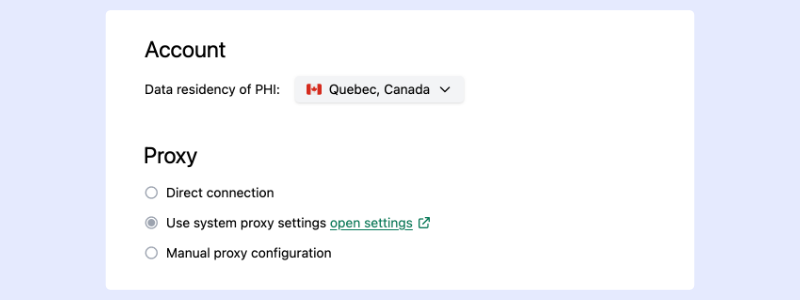
Over the past 4 months, we’ve made major improvements to how we secure your data. Starting today, this allows you to use the AI Scribe live with real patients!
Read our security page to learn more about our data protection.
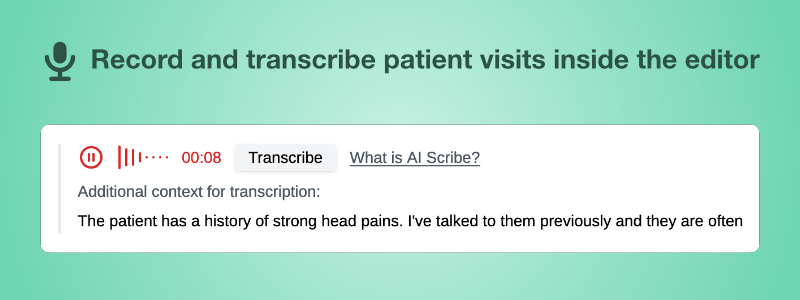
We're excited to introduce our new AI Scribe, now in beta. This feature allows you to record the audio of patient visits and have our AI generate a draft clinical note. Read more about Dilato's AI Scribe beta release and discover How AI Scribe works.
Windows only) Improved the behavior of window controls when dialogs are open,Windows only) Fixed letters with overhangs being cut off in some inputs,macOS only) Activating Dilato via Dock now opens the app window,
This release brings many changes to your workflow. To learn more about them and why we made them, read the full article.
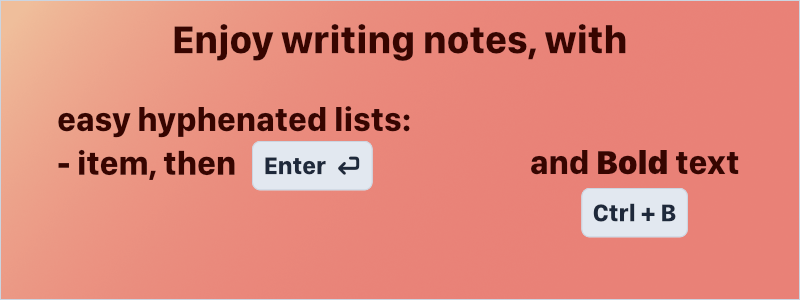
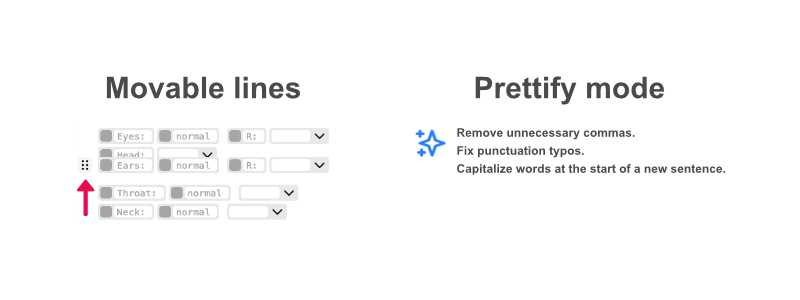
Announcing two new features to help with organization inside templates:
Ctrl+B or ⌘B. Note that bold formatting isn't transferred to the note yet.Ctrl+B or ⌘B,- + Space. Press Enter to add another list item on the next line.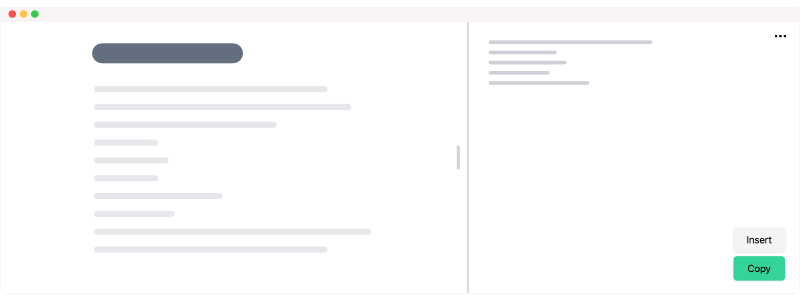
In this update, we're delighted to introduce a fresh template-filling experience that aligns perfectly with our vision of efficiency. The redesigned interface boasts a cleaner look and integrates with upcoming features planned for future releases.
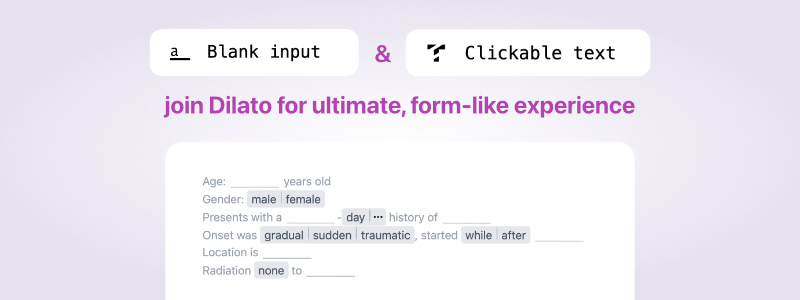
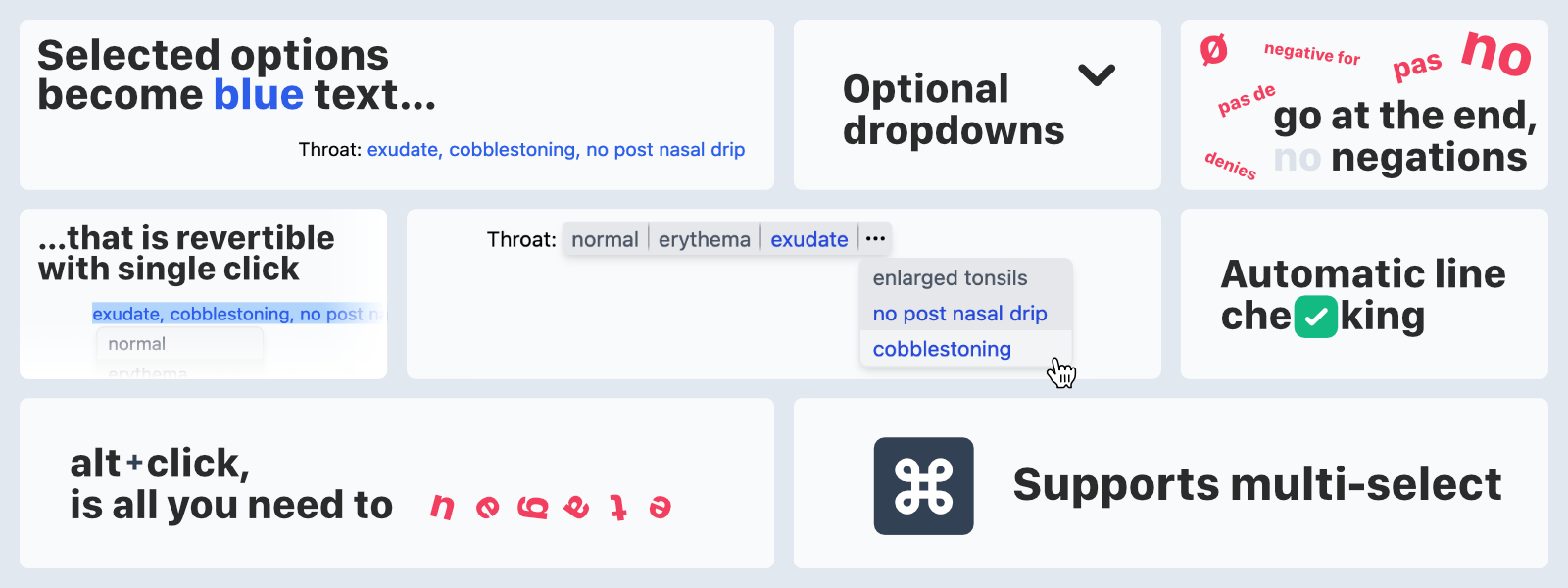
We're pleased to announce the newest addition to Dilato: the button, a versatile and powerful element for your templates! Click a button to transform it into text—simple, yet it boasts capabilities like negating via right-click, multiple choices, optional dropdown, multi-selection support, and reverting selections. This innovation is part of our commitment to streamlining template filling, making it more intuitive and reflective of the final note. Read the full article about buttons

Windows only) Added support for redo with Ctrl+Shift+Z on Windows (previously available only using Ctrl+Y),
You requested, and we delivered: Introducing the search bar on the editor window! Easily find templates by name or shortcut.

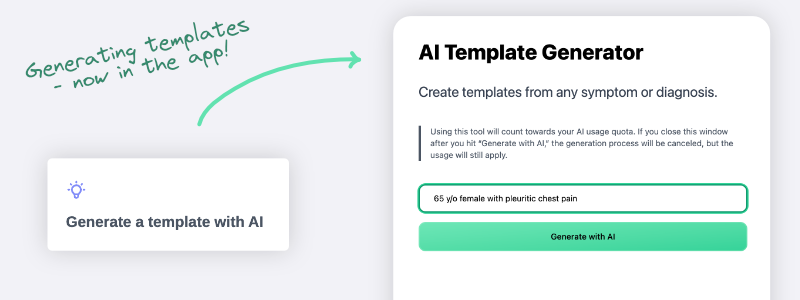
We are thrilled to announce the launch of our new feature: Dilato AI! This beta feature empowers you to request context-sensitive suggestions from AI based on the template you are working with.
Note: Dilato AI outputs may contain errors, so we strongly encourage a thorough review of all generated content.

This month we have focused on improving the app's stability and security. This update is recommended for all users.
With this release, we are dropping support for Windows 7, Windows 8, and Windows 8.1. This is because they are no longer supported by Microsoft and the Google Chrome web browser. If you are using any of those Windows versions, please update to Windows 11 as recommended by Microsoft. Alternatively, you can use our web app.
Ctrl+A/⌘A not working in the editor.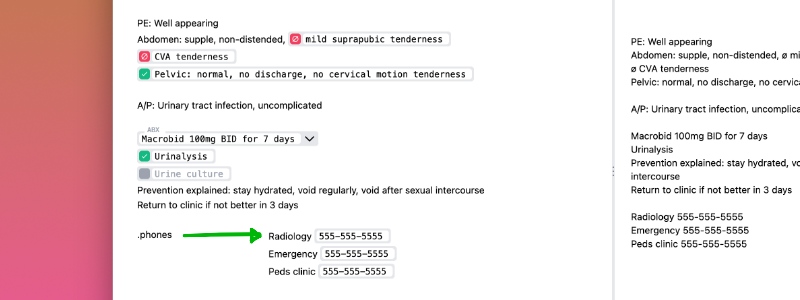
We are excited to unveil the anticipated feature of inserting templates inside other templates in Dilato! With this latest update, we empower you to seamlessly type any shortcut when editing templates or making notes. Previously, only shortcuts of text-only templates could be inserted in Dilato. With this enhancement, you can effortlessly insert templates with fields into any other template.
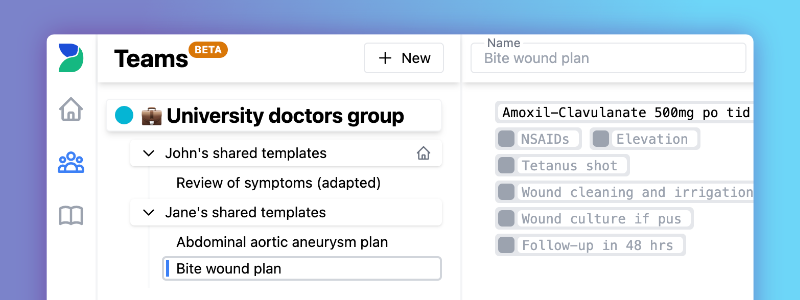
Introducing the new "Teams" feature! Create or join a team to share templates synced across all team members. Members can use and copy shared templates, while only the template owner can edit them. Enhance collaboration and efficiency is made available for free to all Dilato users.
Windows only) Made keyboard shortcuts render consistently across the app,
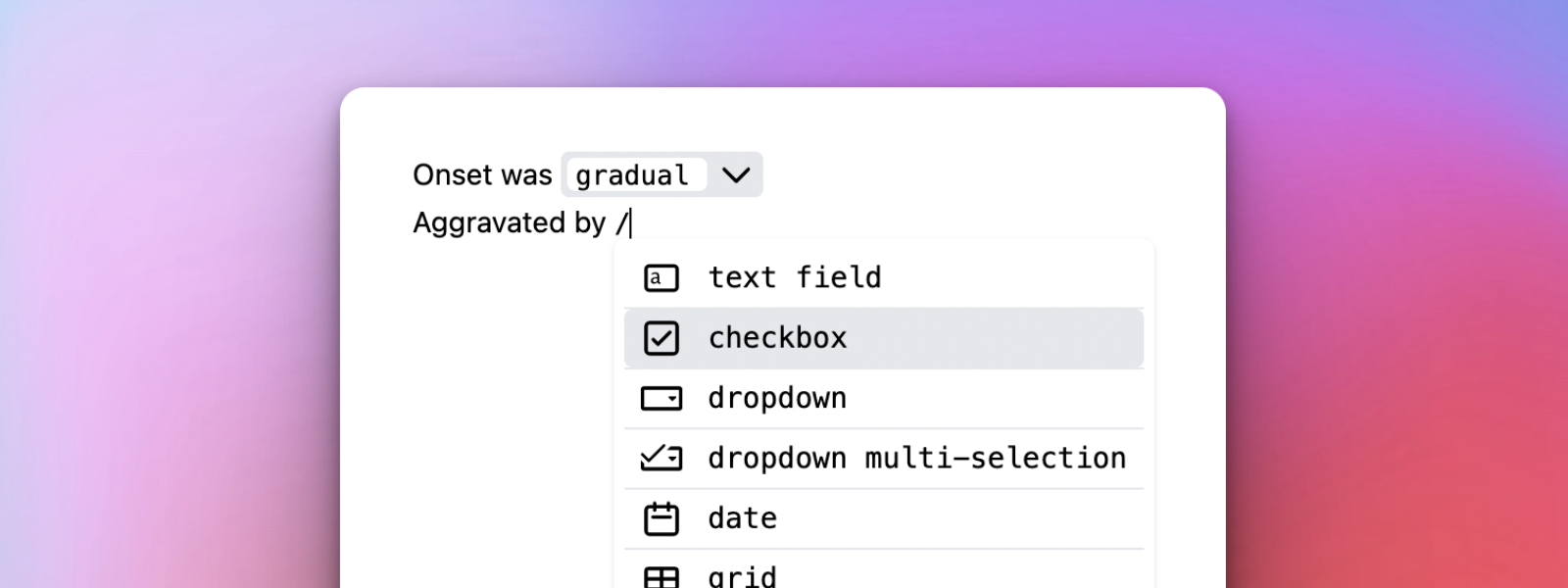
/ in the Dilato editor to quickly insert elements like Text Field or Dropdown,
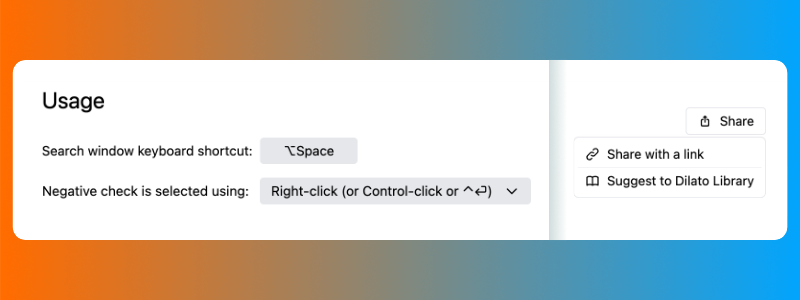
We have some quality of life improvements for all physicians working during the summer.
macOS only) Fixed app crashes during app startup,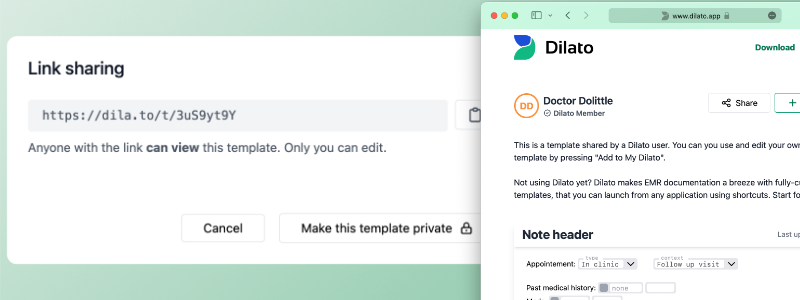
In the ongoing effort of bringing Dilato to the web, this month we would like to present to you template sharing via links. Now, you can turn on link sharing for any template in your personal library. Just copy a link and send it to your friends and colleagues. They will see the template even if they don't have Dilato installed!
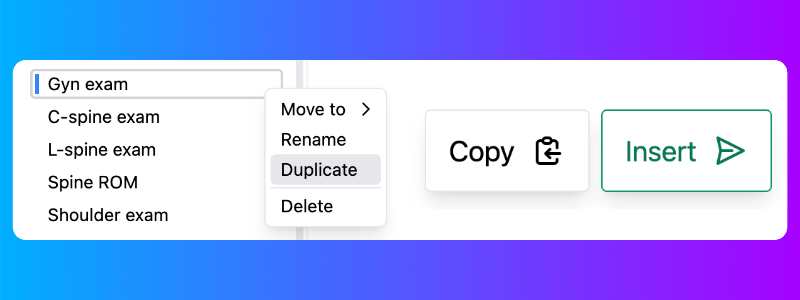
In previous versions, some users had to wait 2 or 3 seconds to open a template. It's now blazing fast, right after the first opening!
Also, the space-bar is not needed anymore to trigger the shortcuts. You can remove the trailing space in any existing shortcuts to open templates faster. Many shortcuts from templates in the library will have their trailing space removed in the upcoming weeks.

We’ve been working hard for the last year to bring you the new Dilato. We’re now super excited to announce we are officially launching! We can’t thank you enough for helping us shape Dilato through your feedback. 😊
Want to know what’s coming up next? Read the full launch post
If you think Dilato is awesome, please share the love with your friends! ❤️

This release brings an overhauled shortcuts recognition system. We have heard from our users that shortcuts are not 100% reliable in some situations. So in this release, we bring a month-of-work-worth shortcuts recognition, replacement, and pasting system.
From our tests, the shortcuts are now much more reliable. We are confident the bug with shortcuts not being recognized has been nearly eliminated. Moreover, shortcuts are now much faster — the new system allowed us to perform typed-text removal instantaneously.
However, because this system is entirely new, we expect some bugs may come out in the following days as we roll the feature out to all of you, our users. If you notice any problems with the shortcut system, please let us know using the "Send feedback" button in the app's help menu.
Windows only) Improved the shortcut recognition system,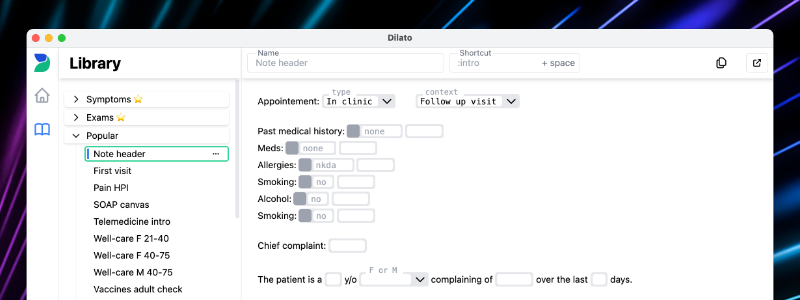
With this release, all shortcuts from templates in the library are enabled by default. Here are popular templates in our library you may want to use from a shortcut:
| shortcut | template |
|---|---|
| .e + space | Physical exam |
| .m + space | Mental exam |
| .s + space | Symptoms |
| .r + space | Review of systems |
Ctrl+N/⌘N and Ctrl+Shift+N/⌘⇧N shortcuts sometimes not working,Windows only) Fixed search window shrinking on reopen in some rare cases.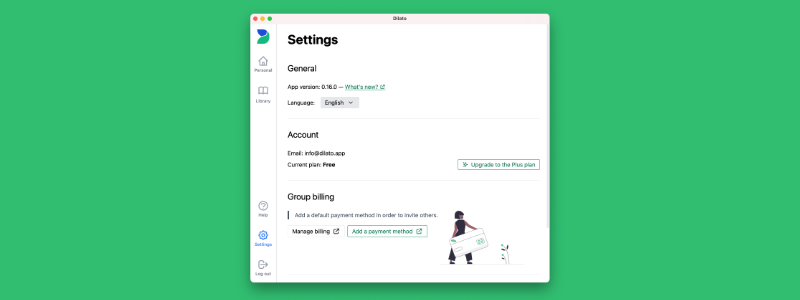
Dilato is getting close to the day of the official release. Each day we are reaching the milestones required for it to happen.
This time we are pleased to announce a new billing system that will be available for our customers. Our Plus plan will give you unlimited access to Dilato's features with much more to come in the following months.
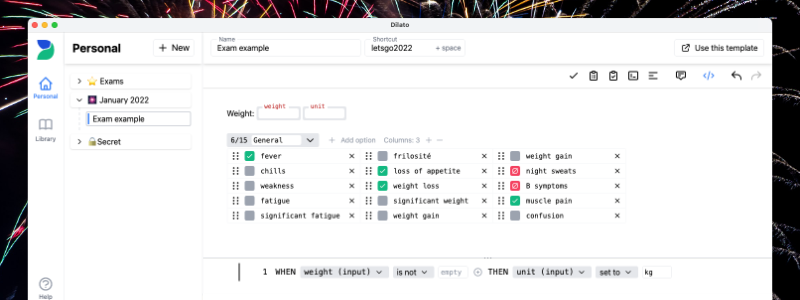
Let's start 2022 with a bang. New listbox component, preview section and more. All in the January release of Dilato App.
macOS only) Improved the stability of the shortcut recognition system (this change should eliminate any app crashes previously encountered on macOS),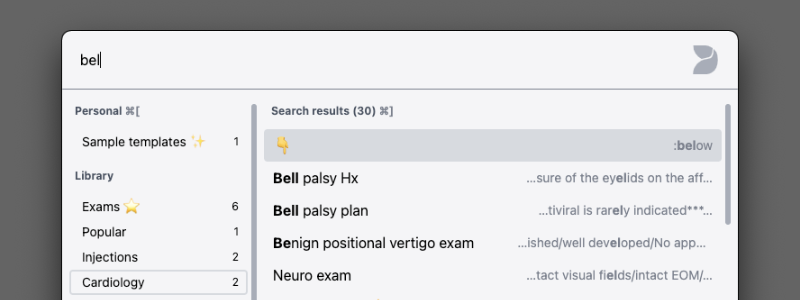
In this version of Dilato we have introduced a whole new way of accessing templates. A new search window will allow you to find desired templates and phrases in a blink of an eye. It can be easily summoned by pressing Ctrl+Space on Windows and ⌥Space on Mac. Some of its features include:
Try it out yourself!
Ctrl+Space/⌥Space hotkey now opens the new search window,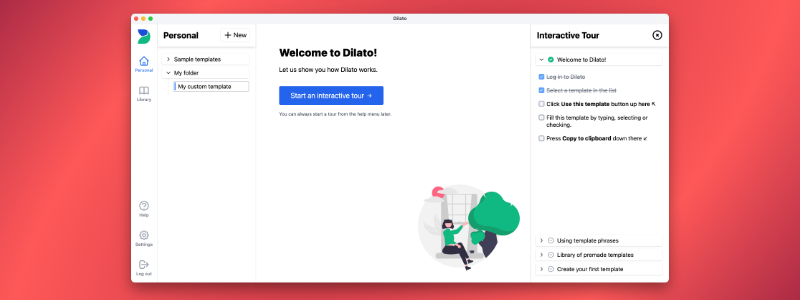
Ctrl+Space on Windows and ⌥Space on Mac),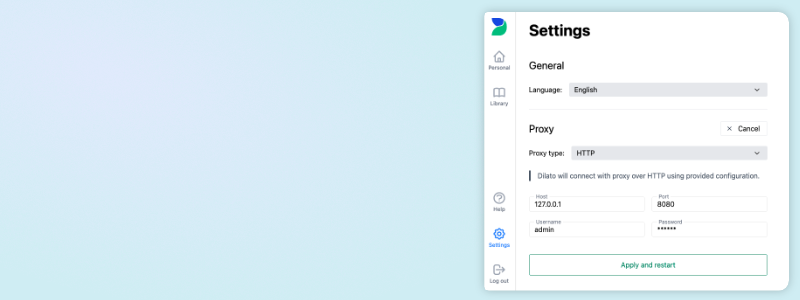
Ctrl+N/⌘N) and folders (Ctrl+Shift+N/⌘⇧N) on Windows/macOS,